High-Performance Voice And Motion Control
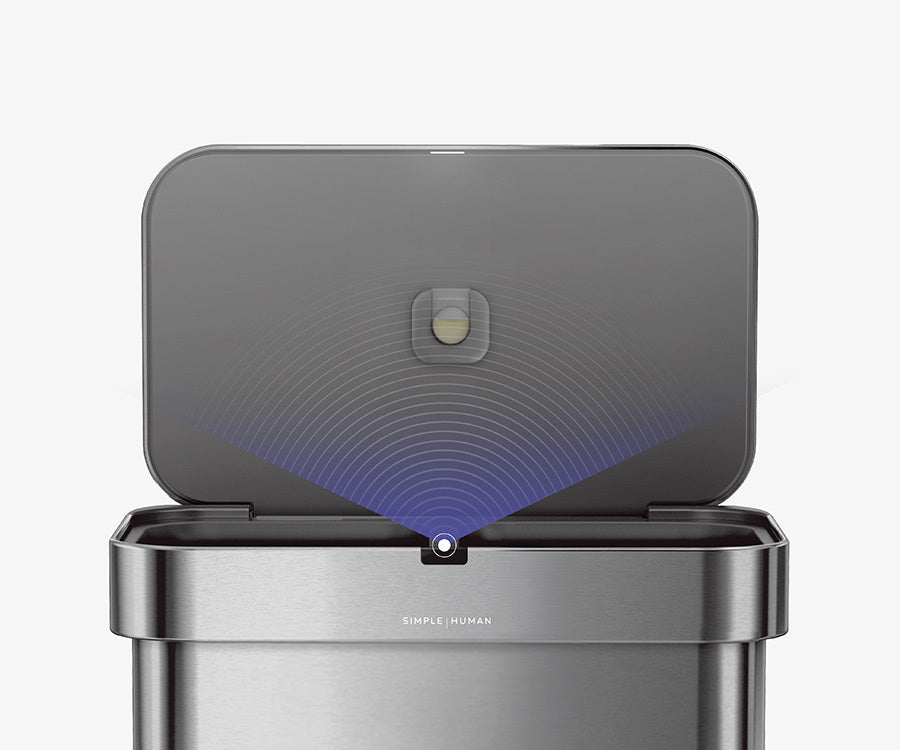
Life is messy! That's why we develop sensor technologies that offer quicker, more efficient access to our cans, removing friction and effort from the task.
Life is messy! That's why we develop sensor technologies that offer quicker, more efficient access to our cans, removing friction and effort from the task.
The planetary gear motor drive is built to last and near silent. At 52 decibels, it's barely a whisper.
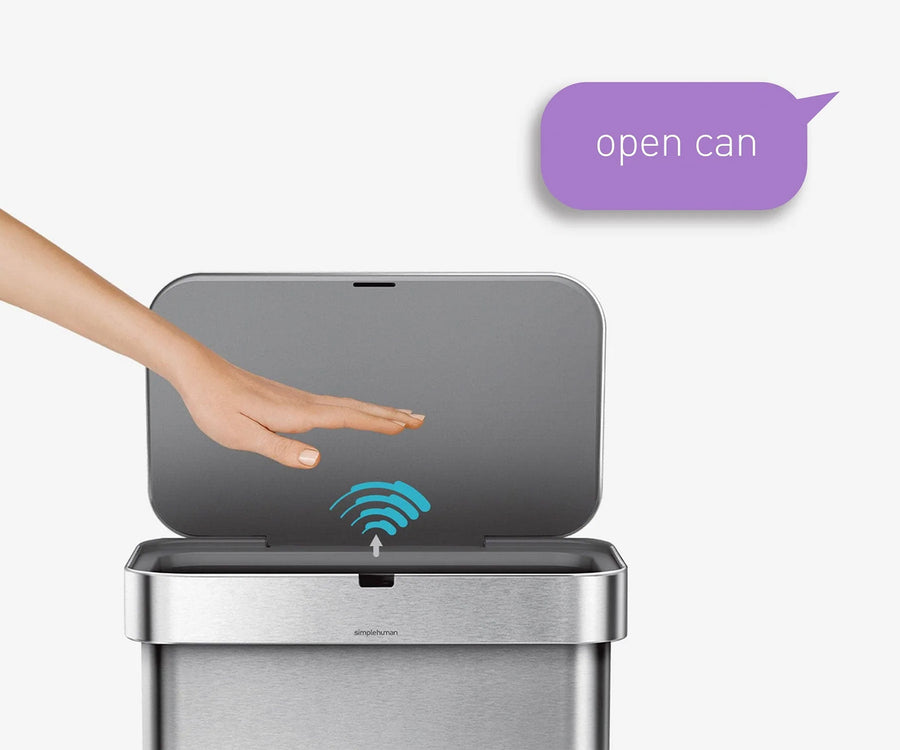
It only takes one microphone for accurate voice recognition, even in loud, busy environments. Just say, “open can” — or you can say, “stay open” for longer chores then “close can” when you are finished with your task.
Our dual compartment option makes sorting trash look good! Each side has a generous capacity, and emptying is easy with a plastic bucket on the recycling side and a liner pocket in the trash compartment.
Our liner rim system makes trash faster and neater. Simply lift the lid for easy access, then close it to keep the liner tidy and out of sight.
Our liner pocket makes it easy to store a 20 pack of custom fit liners inside the can so you never have to reach for them.
Our liner pocket dispenses liners one by one quickly and easily for a faster liner change.
Our invisible silver-ion coating resists fingerprints and the spread of germs without dulling the natural sheen and luster of the steel (brushed stainless steel models).
Our code H custom fit liners fit this can perfectly so there's no bunching, slipping or messy bag overhang for a neater, cleaner look. They are also extra-thick and double-seamed so you can pack your trash to the rim without rips, leaks or tears.
Add our compost caddy to your trash-sorting routine — it conveniently docks on the side of this trash can encouraging you to separate organics from trash, making waste management even more efficient.
Life is messy! That's why we develop sensor technologies that offer quicker, more efficient access to our cans, removing friction and effort from the task.
The planetary gear motor drive is built to last and near silent. At 52 decibels, it's barely a whisper.
It only takes one microphone for accurate voice recognition, even in loud, busy environments. Just say, “open can” — or you can say, “stay open” for longer chores then “close can” when you are finished with your task.
Our dual compartment option makes sorting trash look good! Each side has a generous capacity, and emptying is easy with a plastic bucket on the recycling side and a liner pocket in the trash compartment.
Our liner rim system makes trash faster and neater. Simply lift the lid for easy access, then close it to keep the liner tidy and out of sight.
Our liner pocket makes it easy to store a 20 pack of custom fit liners inside the can so you never have to reach for them.
Our liner pocket dispenses liners one by one quickly and easily for a faster liner change.
Our invisible silver-ion coating resists fingerprints and the spread of germs without dulling the natural sheen and luster of the steel (brushed stainless steel models).
Our code H custom fit liners fit this can perfectly so there's no bunching, slipping or messy bag overhang for a neater, cleaner look. They are also extra-thick and double-seamed so you can pack your trash to the rim without rips, leaks or tears.
Add our compost caddy to your trash-sorting routine — it conveniently docks on the side of this trash can encouraging you to separate organics from trash, making waste management even more efficient.
Dirt might be collected in the sensor hole cut out.
Sensor can may be trying to “listen” consistently in noisy areas, which drains the batteries faster than normal. We recommend using the included AC adapter.
Reset the can by cleaning off debris at the hinge gap, wiping the voice and motion sensors, and checking for a broken hinge.
NOTE: When first turned on, it is normal for red/blue lights to cycle once.
Debris or trash might be stuck within the hinge gap.
Objects may be triggering the sensor/sensor is dirty.
Batteries may be low, or sensor can may need to be reset.
NOTE: When first turned on, it is normal for red/blue lights to cycle once.
Objects may be triggering the sensor or it is dirty.
Clean stainless steel weekly with a soft cloth, warm water and a mild detergent. DO NOT use steel wool, stainless steel polisher, bleach, salts or acids as these will damage the product. Or use our microfiber mitt, which just uses water on one side to wash and the other dry side to wipe and polish. Our stickers should not leave residue, but if this happens, remove using adhesive removers such as “Goo-Gone®”, “Un-du®” or “De-solv-it®”. Be sure to rinse the area with water and dry with a soft cloth.
Don't know your liner code? Not a problem! Locate your liner ID tag under every trash can lid.