See Yourself In The Best Light
With a color rendering index of 95, our Tru-Lux system simulates sunlight so that you see makeup pigments accurately.
With a color rendering index of 95, our Tru-Lux system simulates sunlight so that you see makeup pigments accurately.
Patterned micro-reflectors spread light evenly, without hot spots, while the surgical-grade LEDs deliver the full color spectrum.
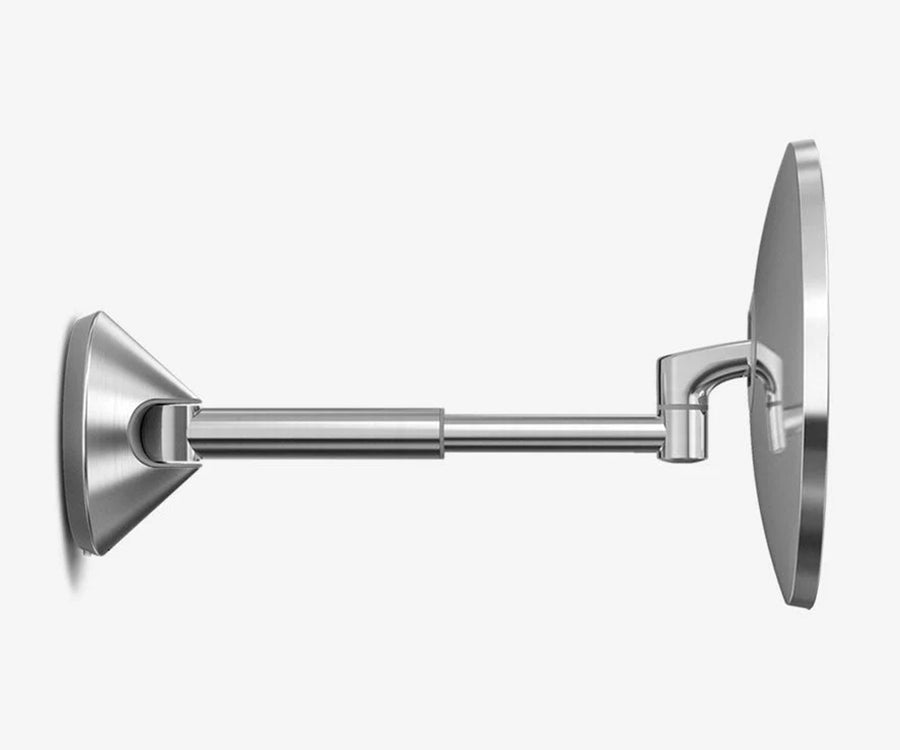
Sturdy stainless-steel arm provides smooth, effortless adjustability.
With a color rendering index of 95, our Tru-Lux system simulates sunlight so that you see makeup pigments accurately.
Patterned micro-reflectors spread light evenly, without hot spots, while the surgical-grade LEDs deliver the full color spectrum.
Sturdy stainless-steel arm provides smooth, effortless adjustability.
This might happen after user tries to flip the mirror manually or object is in the way while mirror is auto-flipping. The mirror auto-protects the gear. To reset, simply double tap the touch control bar. You should be able to hear a click sound or see the mirror moves slightly, double tap on the touch control again for another 2 - 3 times and mirror should be able to flip normally.
First try this:
If that doesn't work, reset your unit: Press the power button on the bottom or the back of the unit (depending on the model) to turn it off. Leave it off for 20 seconds, and then press the power button again to turn the unit on.
Reset the mirror:
Test the sensor:
Recharge the mirror:
First try this:
If that doesn't work, reset your unit: Press the power button on the bottom or the back of the unit (depending on the model) to turn it off. Leave it off for 20 seconds, and then press the power button again to turn the unit on.
First, make sure the mirror isn't tilted at an angle that is out of the sensor range. You must be within 6-8 inches in front of the sensor (dark-tinted window on the light ring). After a short period of inactivity, light will dim and turn off automatically. If that doesn't work, recalibrate your mirror:
Watch our video on how to link your mirror and use the app features: https://www.youtube.com/watch?v=0TiWmdEl3r4
Or do a hard reset by following these steps:
Don't know your liner code? Not a problem! Locate your liner ID tag under every trash can lid.